
Google Play Store
Google Play Store is Google's digital distribution platform for Android, used to find, install and update apps, games and books.
101.1 MB

V167-allabi-universal (975403699) · Google Inc. · Page updated
Google Fi Wireless is Google's Android app for managing a Google Fi mobile phone plan: activation, data usage, billing, travel settings and support.
Average 0.0 · ratings: 0
Thank you! Your rating is saved; you can change it. Could not save the rating. Please try again later. Too many ratings from your network today. Please try again tomorrow. The average appears after 5 ratings.
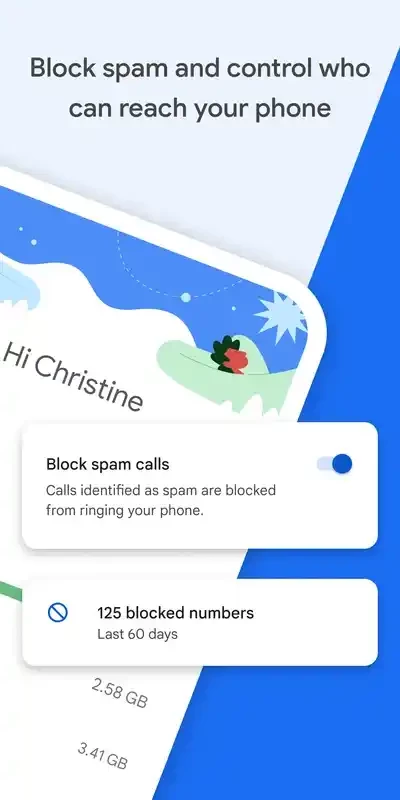
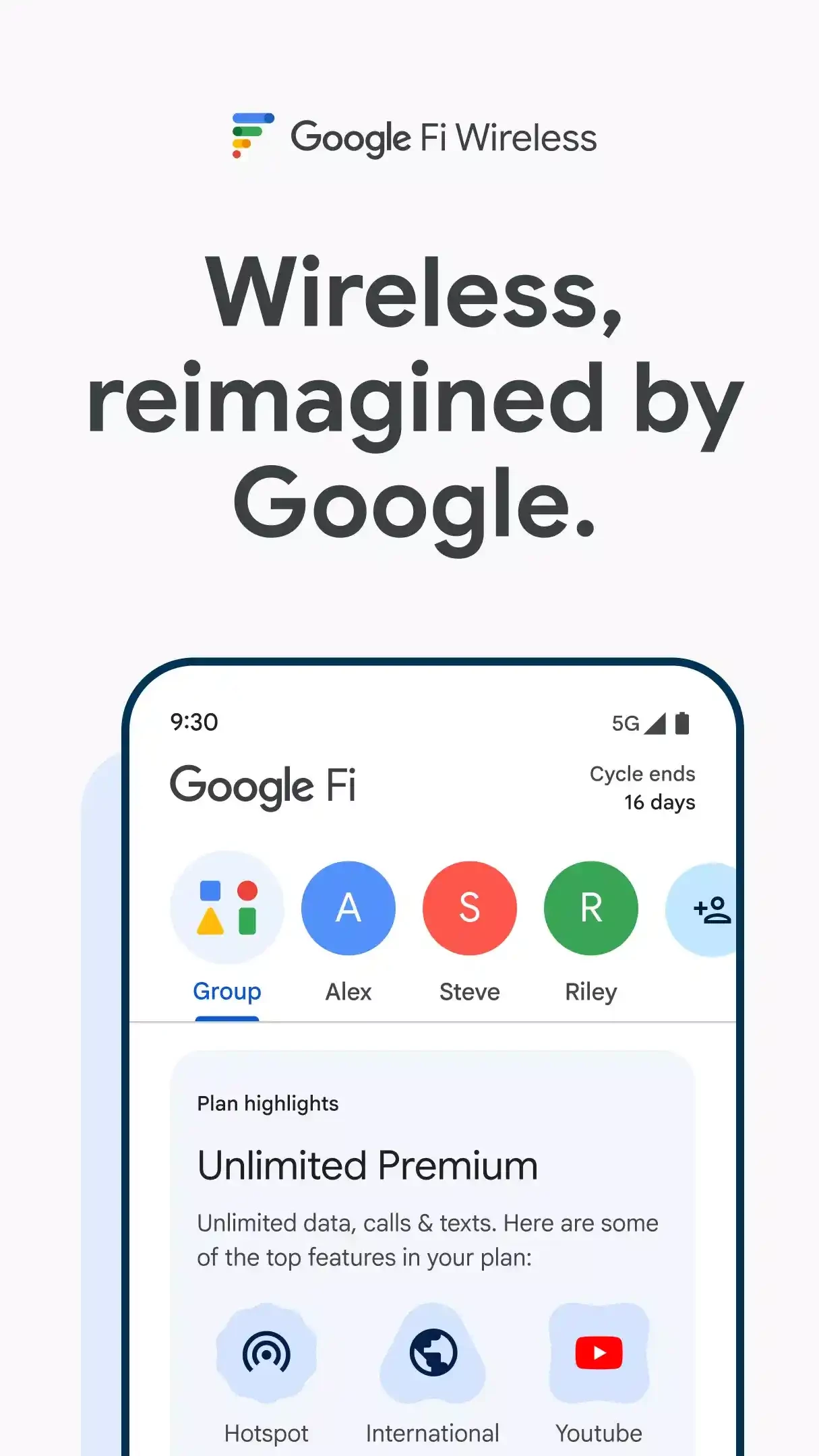
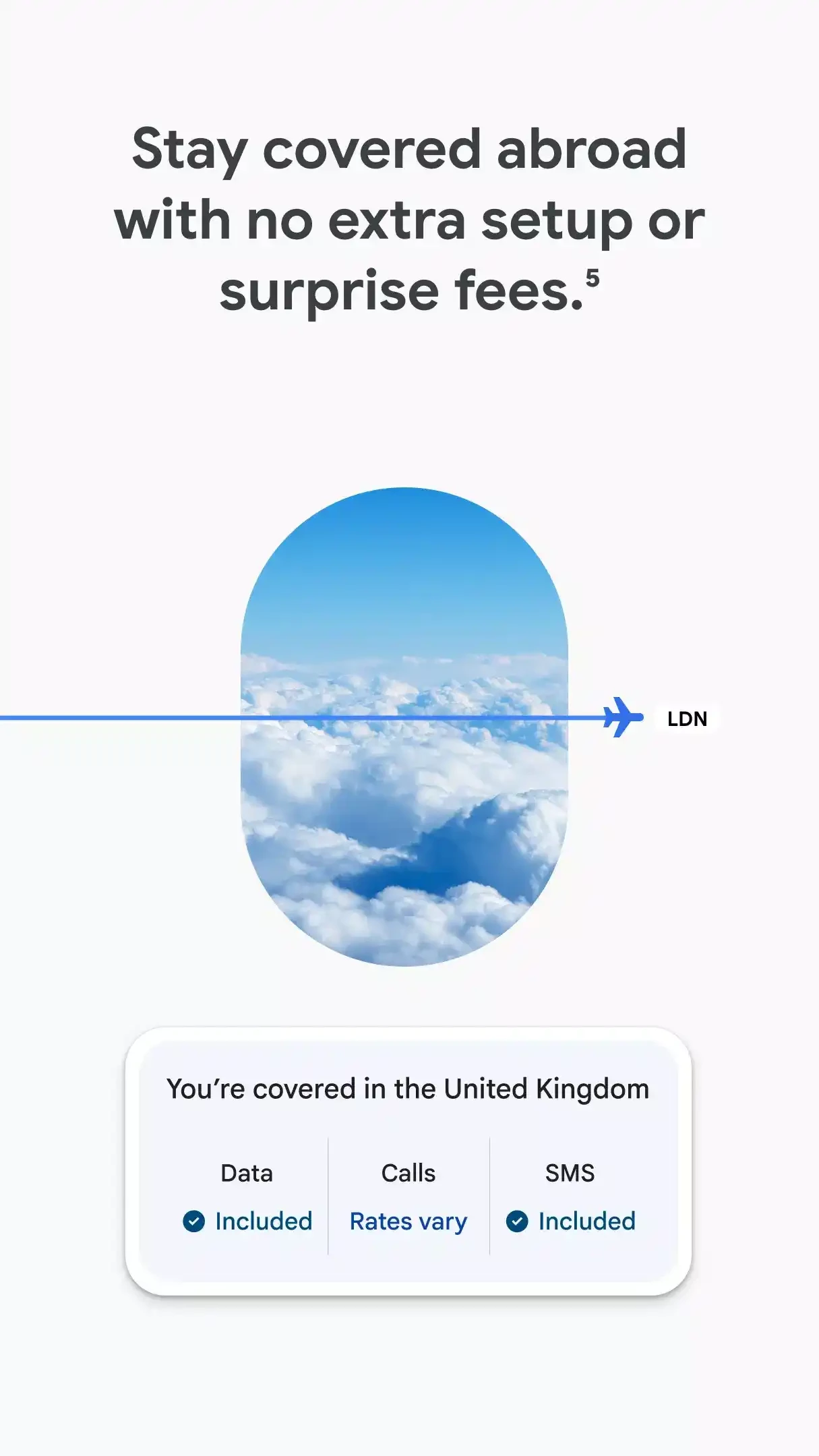
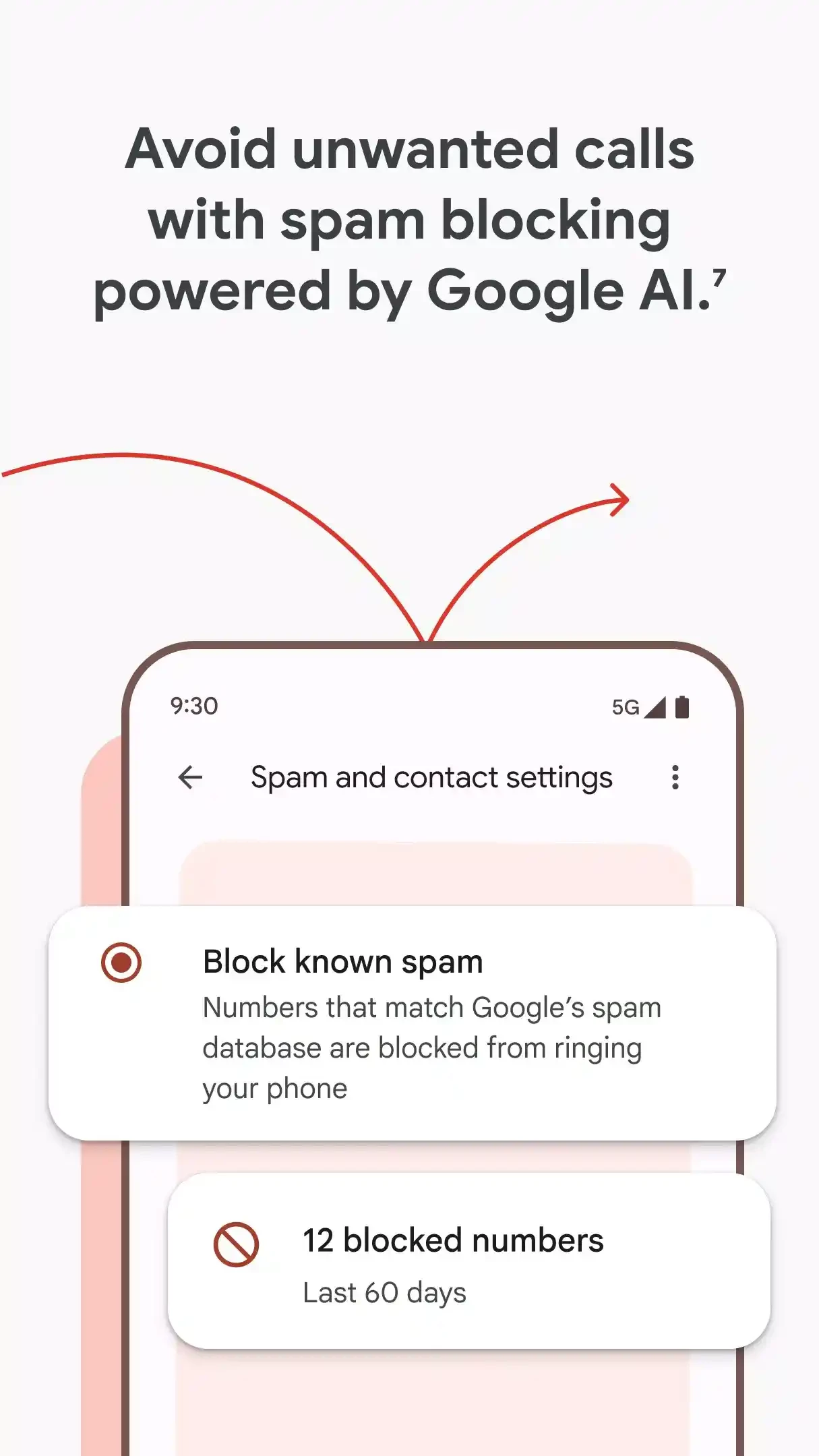
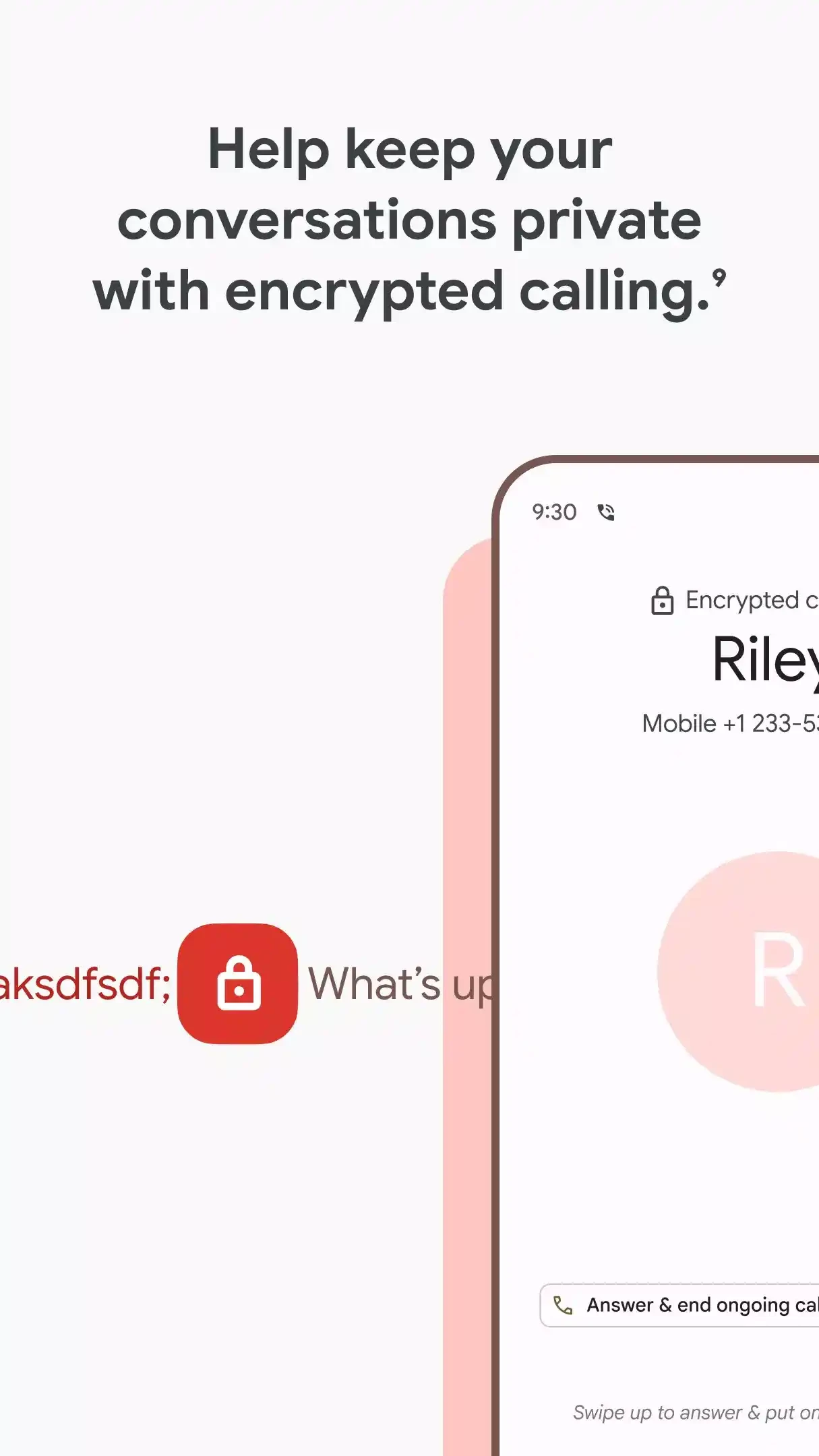
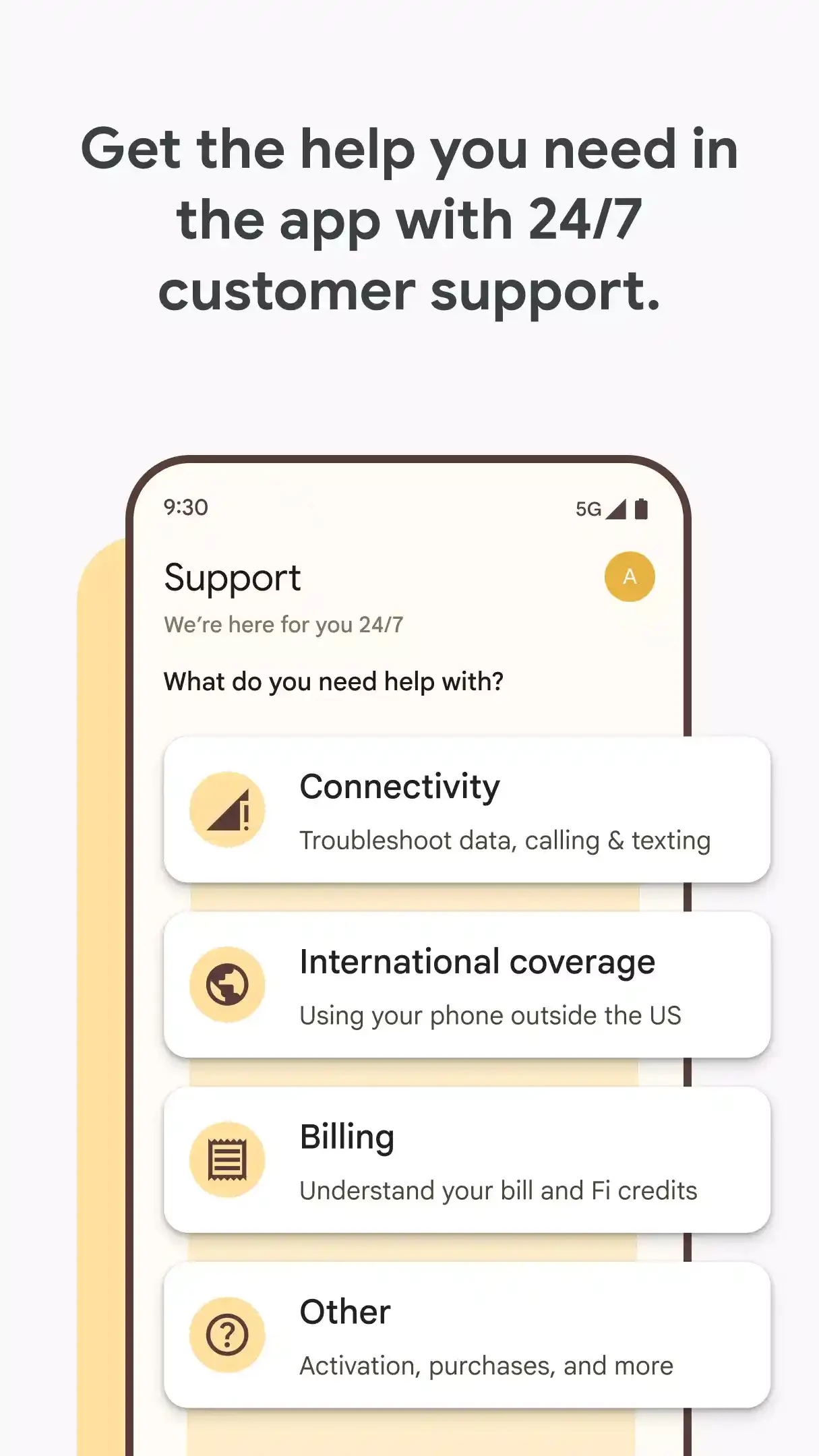
Google Fi Wireless (version V167-allabi-universal) is Google's app for customers of Google Fi, the company's mobile phone service. It is used to activate a phone on Fi, watch data usage, pay bills, manage the plan and get support. The app is free, and Fi customers can download Google Fi Wireless for Android from Google Play.
Google Fi is a mobile carrier service run by Google. It provides calls, texts and data on compatible phones, with plans managed entirely online and in the app. More about the service is on Google Fi's about page.
No. Without a Google Fi account the app has no purpose. If you are considering Fi, check whether it is available where you live and whether your phone is compatible before switching.
The app is about 21.41 MB according to catalogue data.
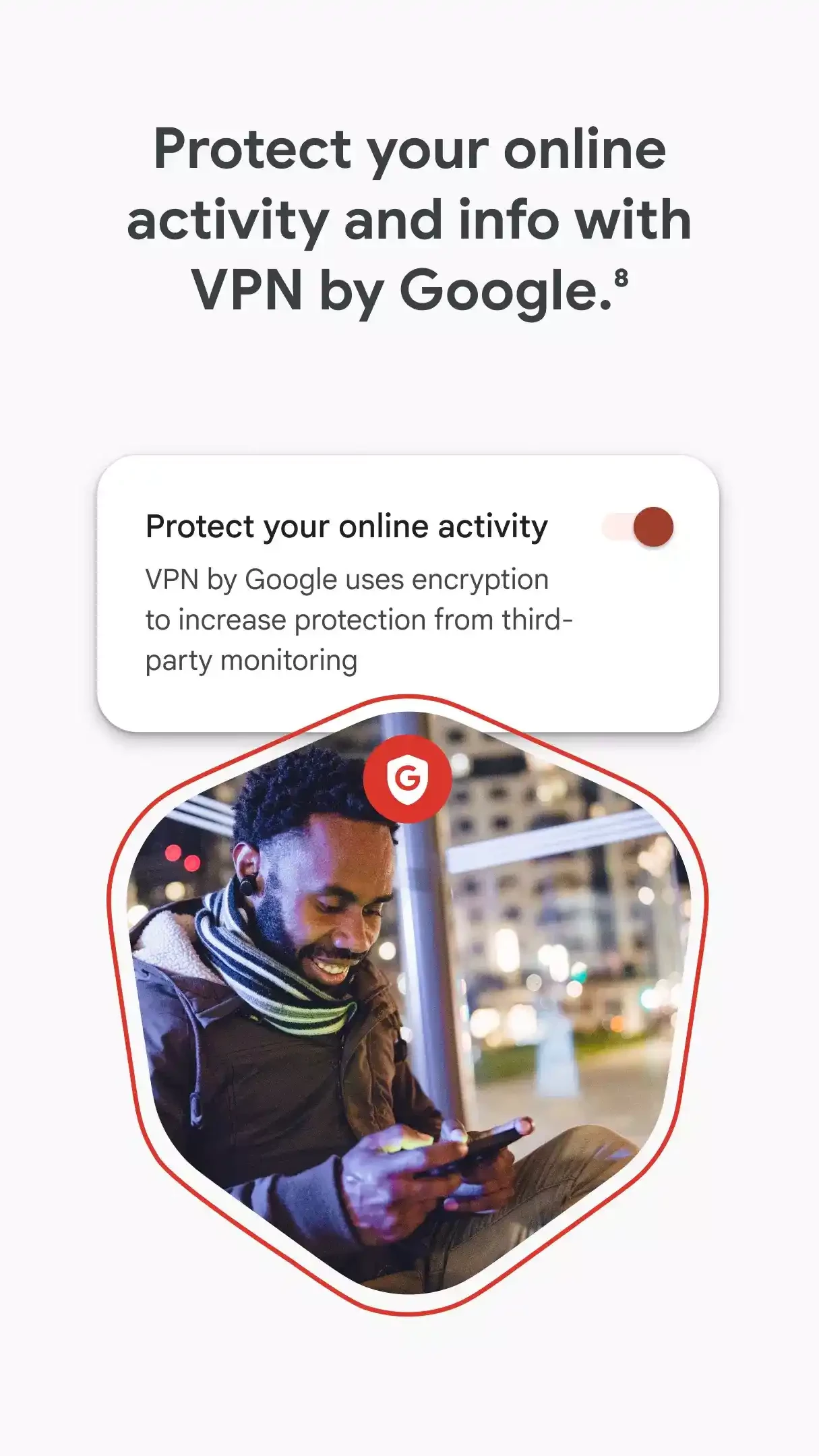
Google offers a VPN to some Fi customers on eligible Android phones, managed through the phone's settings and the Fi app. Requirements depend on the Android version and device, as described in Google's help pages. It encrypts traffic on public networks but, like any VPN, does not make you anonymous.
Open the app before a trip to confirm international settings, then watch the usage screen while abroad. Setting a data alert helps avoid surprises, and turning off automatic app updates on mobile data keeps usage under control.
Your phone number is valuable to attackers, who may try to move it to their own SIM to intercept verification codes. Turn on two-step verification for your Google account, review security settings in the Fi app, and never share verification codes with callers claiming to be support.
If you only need a second number rather than a whole plan, our listings include TextNow and 2nr premium.
Google Play Store is Google's digital distribution platform for Android, used to find, install and update apps, games and books.

APKPure is a third-party app marketplace for Android that installs apps from APK files outside Google Play. This page covers version 3.20.7803.

Aptoide is an open-source alternative app store for Android, running since 2009. This page covers version 9.22.5.3.

QuickShortcutMaker is a small Android tool for creating home screen shortcuts to specific screens of installed apps, including hidden settings.